Using Social Logins for Sequence
Sequence makes it easy to sign up and log in using your existing accounts from other platforms. You can quickly authenticate using Google, GitHub, or Microsoft.
Step-by-Step Guide to Social Login
1. Access the Sign-Up/Login Page
Navigate to the Sequence login page. You will find options to sign up or log in using social media accounts.
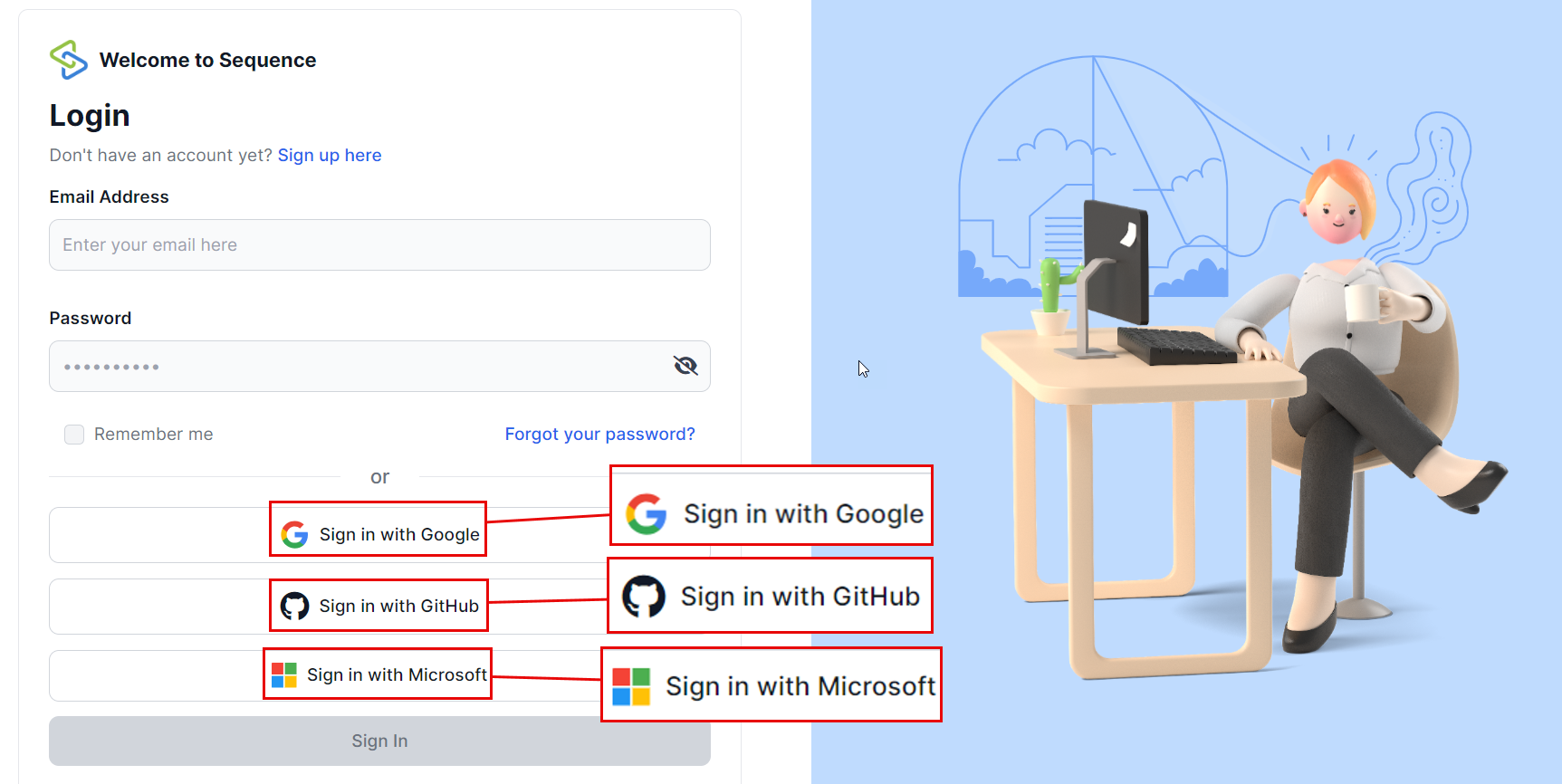
2. Choose Your Preferred Social Login
You can choose from the following options:
- GitHub
- Microsoft
Click on the icon of your preferred platform.
3. Authenticate Your Account
You will be redirected to the selected platform's authentication page. Here’s what you need to do:
- Google: Enter your Google email and password.
- GitHub: Enter your GitHub username and password.
- Microsoft: Enter your Microsoft email and password.
4. Grant Permissions
After entering your credentials, you may be asked to grant permissions for Sequence to access basic information from your chosen platform. Click "Allow" or "Accept" to proceed.
Benefits of Using Social Login
- Quick Access: No need to remember another set of credentials.
- Secure Authentication: Leverage the security measures of trusted platforms like Google, GitHub, and Microsoft.
- Seamless Integration: Easily integrate with other tools and services associated with your social accounts.
Troubleshooting
If you encounter any issues during social login, here are some common solutions:
Authentication Failed?
- Ensure that you entered the correct credentials for your chosen platform.
- Check if you have granted the necessary permissions.
Redirect Issues?
- Make sure pop-ups are not blocked by your browser.
- Clear your browser cache and try again.
Need Help?
If you need further assistance, feel free to reach out to our support team via support@adoptsequence.com.