Accepted Video Formats for Uploading
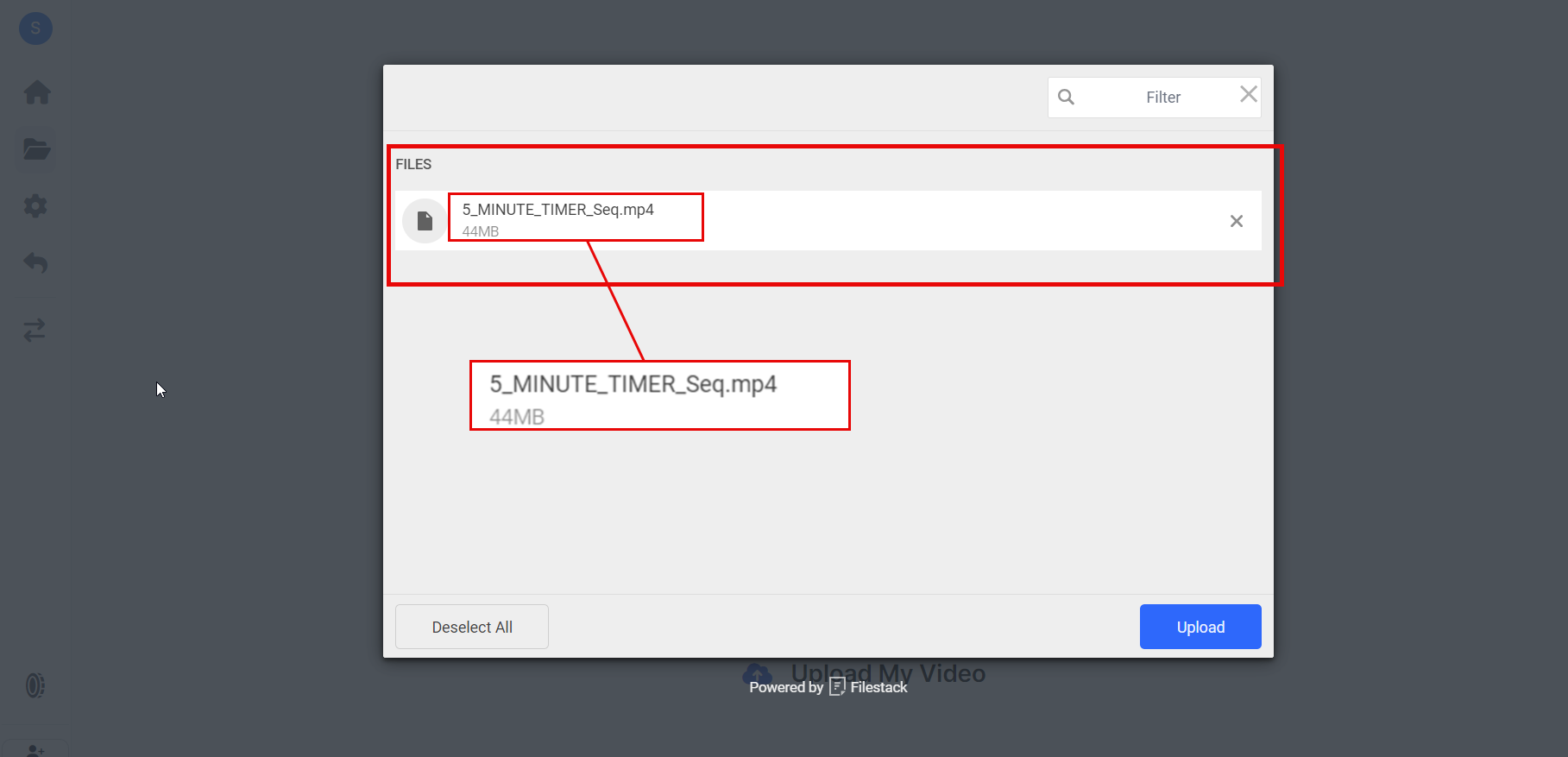
In Sequence, we prioritize a smooth and efficient video editing experience using our AI tools. To ensure compatibility and optimal performance, we currently support uploading videos in the MP4 format only.
Supported File Format
MP4
- Accepted Format: .mp4
- Reason: The MP4 format is widely used and compatible with various devices and platforms, ensuring that your video uploads are processed efficiently within Sequence.
Handling Unsupported Formats
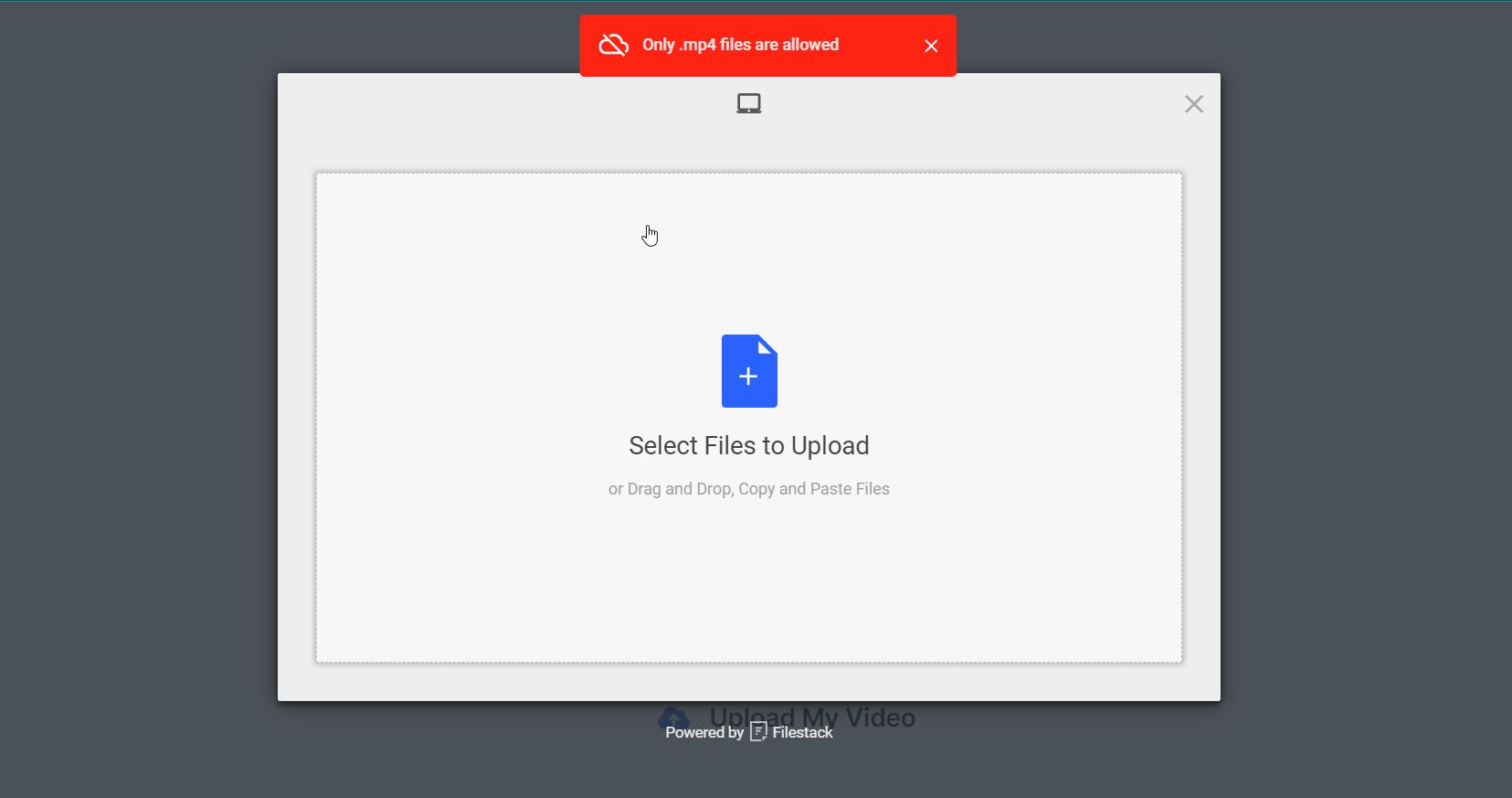
If you attempt to upload a video in any format other than MP4, the system will not accept the file and you will receive an error message.
Common Error Message:
- Unsupported File Format: "The file format you uploaded is not supported. Please upload a video in .mp4 format."
Tips for Successful Uploads
- Check Your File Format: Ensure that your video file is in MP4 format before attempting to upload.
- Stable Internet Connection: Make sure your internet connection is stable during the upload process to avoid interruptions.
- File Size Considerations: Although not specified here, be mindful of large file sizes which might take longer to upload depending on your internet speed.
Need Help?
If you encounter any issues with uploading your video or need further assistance, feel free to reach out to our support team via support@adoptsequence.com.